STUDENT DRIVING LOG

Track Your Student Driver Hours — Automatically

The free Android driving log app for student drivers. Track day and night hours automatically with GPS, edit your records, and export a DMV-ready PDF — no subscription needed.
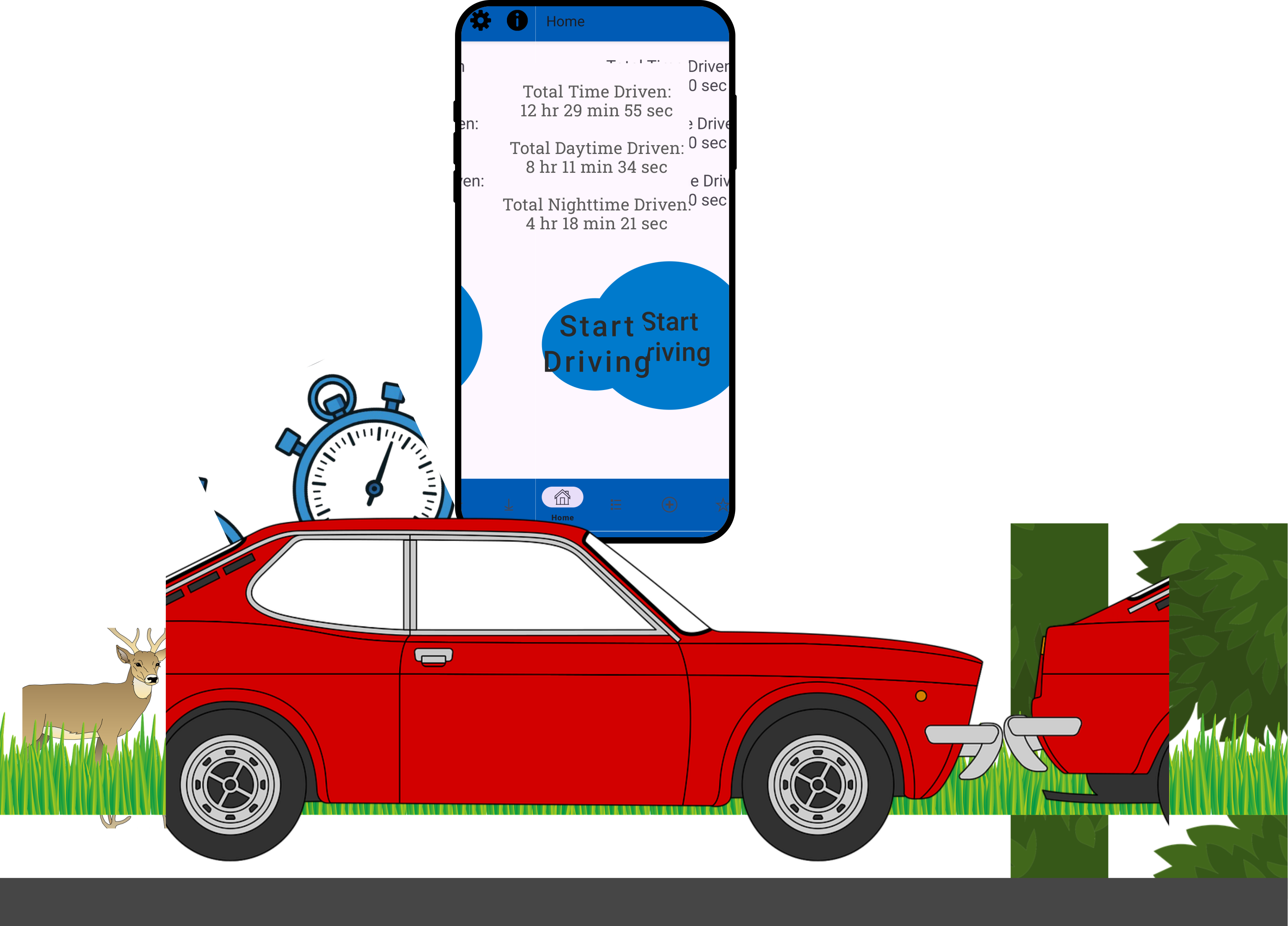
a car driving on the road through the wilderness with a phone on it's roof and the Student Driver Hours app open

How does Student Driver Hours work?

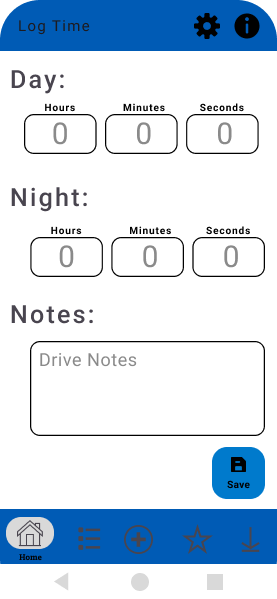
Student Driver Hours is a free Android app that automatically tracks every practice drive — recording the date, duration, and whether it happened during the day or at night. Logs are editable, and when you have enough hours, you can export a PDF ready to hand to your DMV or instructor.

Automatic Tracking

Just press the "Start" button and leave the rest to us.

Easy Logging

Forget about human error, our app will do the math for you.

Log Exporting

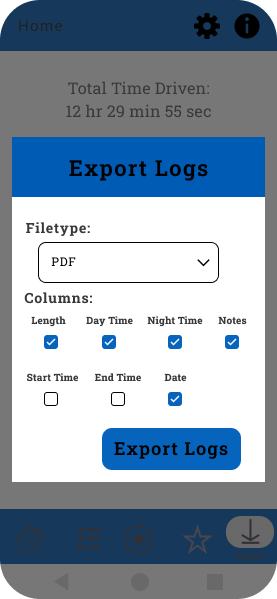
Export your logs to a PDF so you can bring them right into the DMV.

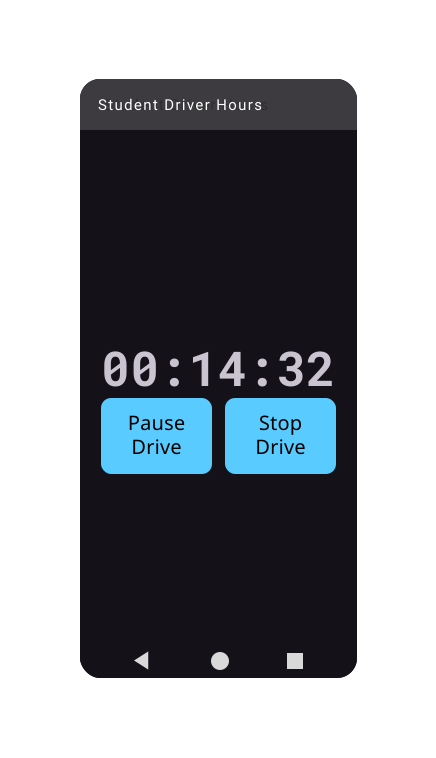
an image of the app in dark theme with the stopwatch running.

The only app you'll ever need as a student driver

This app's built-in stopwatch tracks route, time, and and speed so you don't have to! When you're done driving, the app allows you to add notes so you can remember as much detail as you want.

Student Driver Hours is THE ULTIMATE APP FOR STUDENT DRIVERS - we promise, you won't be disappointed!

Try It Free

Efficient Logs for Busy People

Student Driver Hours' logs provide you with all the stats - date, length, route, notes - you name it, it's probably there! The app is even capable of automatic sunrise/sunset detection based on time and location and determines the amount of day/night time per drive accordingly!

  • Click on a drive in the logs to find the details.

  • Access your drive notes frome your phone.

  • Export the logs as proof for the DMV.
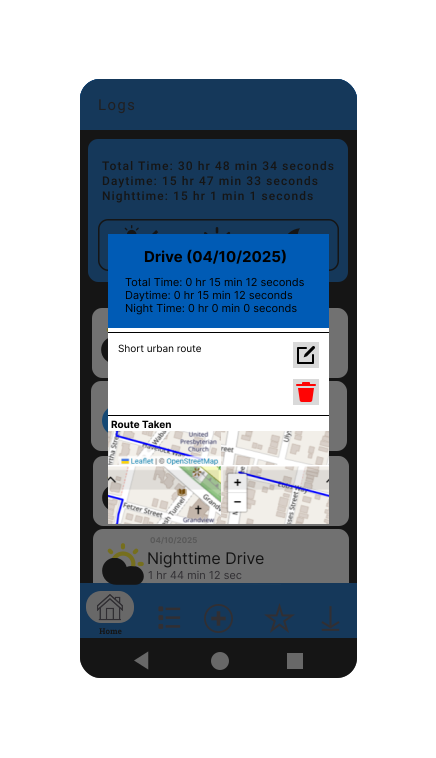
An image of the app open showing a previous drive's route and details.

Away With Handwritten Log Sheets!

Quickly log, track, and review your drives with Student Driver Hours

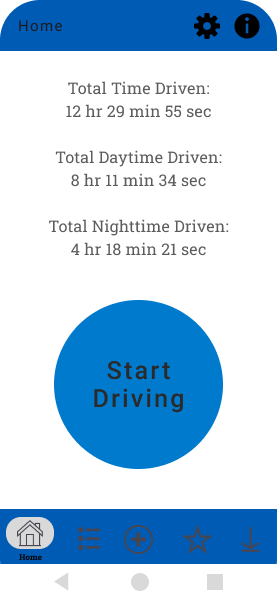
Student Driver Hours app home screen showing total drive hours logged
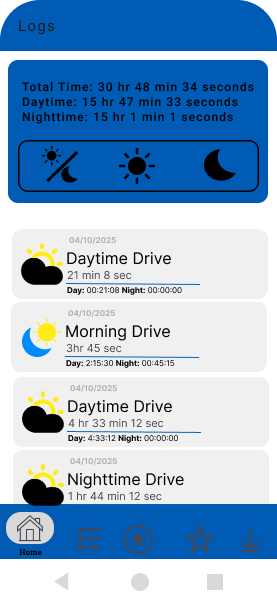
Drive log list view showing dates, durations, and day/night breakdown
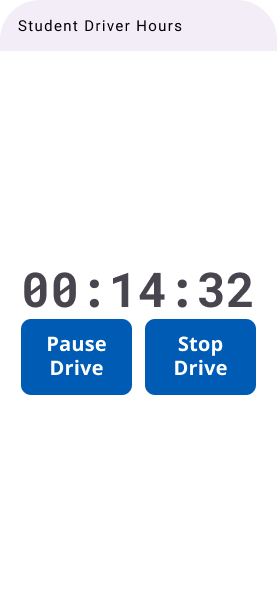
Active drive tracking screen with stopwatch running
Drive details screen showing route map, distance, and notes
Export screen for generating a DMV-ready PDF driving log report
Student Driver Hours app stopwatch screen during an active drive

Frequently asked questions

Everything you need to know about using Student Driver Hours to track and manage your driving practice.

Yes. Tap any drive in your log to open the details screen, where you can adjust the date, start time, end time, duration, or the day/night split. This comes in handy if you forgot to start the timer, made a quick stop mid-drive, or if the automatic day/night detection needs a small correction. To remove a drive entirely, use the delete option on that same screen. Your exported PDF reflects exactly what's in your log, so keeping records accurate is worth the extra minute.
Yes. The app automatically splits each drive into daytime and nighttime segments using your location and local sunrise/sunset times — no manual input needed. When you're ready to apply, export a PDF that lists every drive with its date, time, duration, and day/night breakdown. That's the format most DMVs and instructors ask for. If your state requires a specific official form, the export gives you all the data you need to fill it in.
Open the export screen inside the app and tap Export Logs to generate a PDF. It includes each drive's date, start time, end time, total duration, and day/night breakdown. From there you can email it, send it through a messaging app, or print it at home. Most DMVs and instructors accept this kind of report as supporting documentation. Need help with your specific situation? Reach out through the contact form.
It's completely free — no subscription, no paywall, no premium tier. GPS tracking, day/night detection, log editing, and PDF export are all included at no cost. The app is supported by small banner ads at the bottom of some screens, but they don't interrupt tracking or logging. You'll never be asked to pay to access your own records.